listeningStarkomand · four crewhold ⌥
Mission Control for your AI agents on one canvas.
Use the AI subscriptions you already have. Run them side by side in their own windows. Talk to them by name.
- Claude
- Codex
- Cursor
- Grok
- GLM
- Any CLI
7-day free trial · Apple silicon · agents keep running while the canvas is hidden
issue #2RealXperience/dashboard · handed to Marcus● working
IrisClaude Code✓ finished
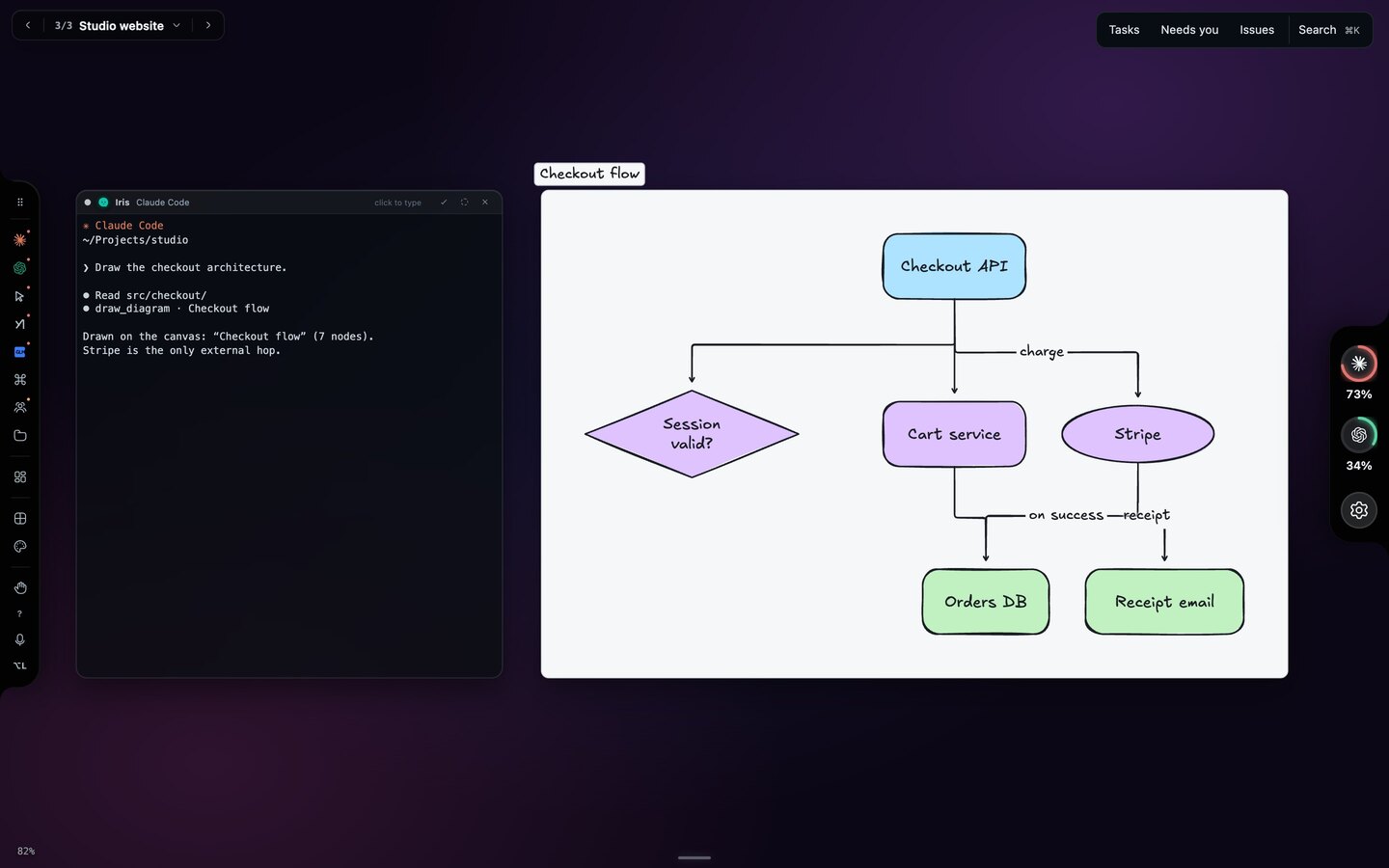
localhost:5173Studio websitepreview
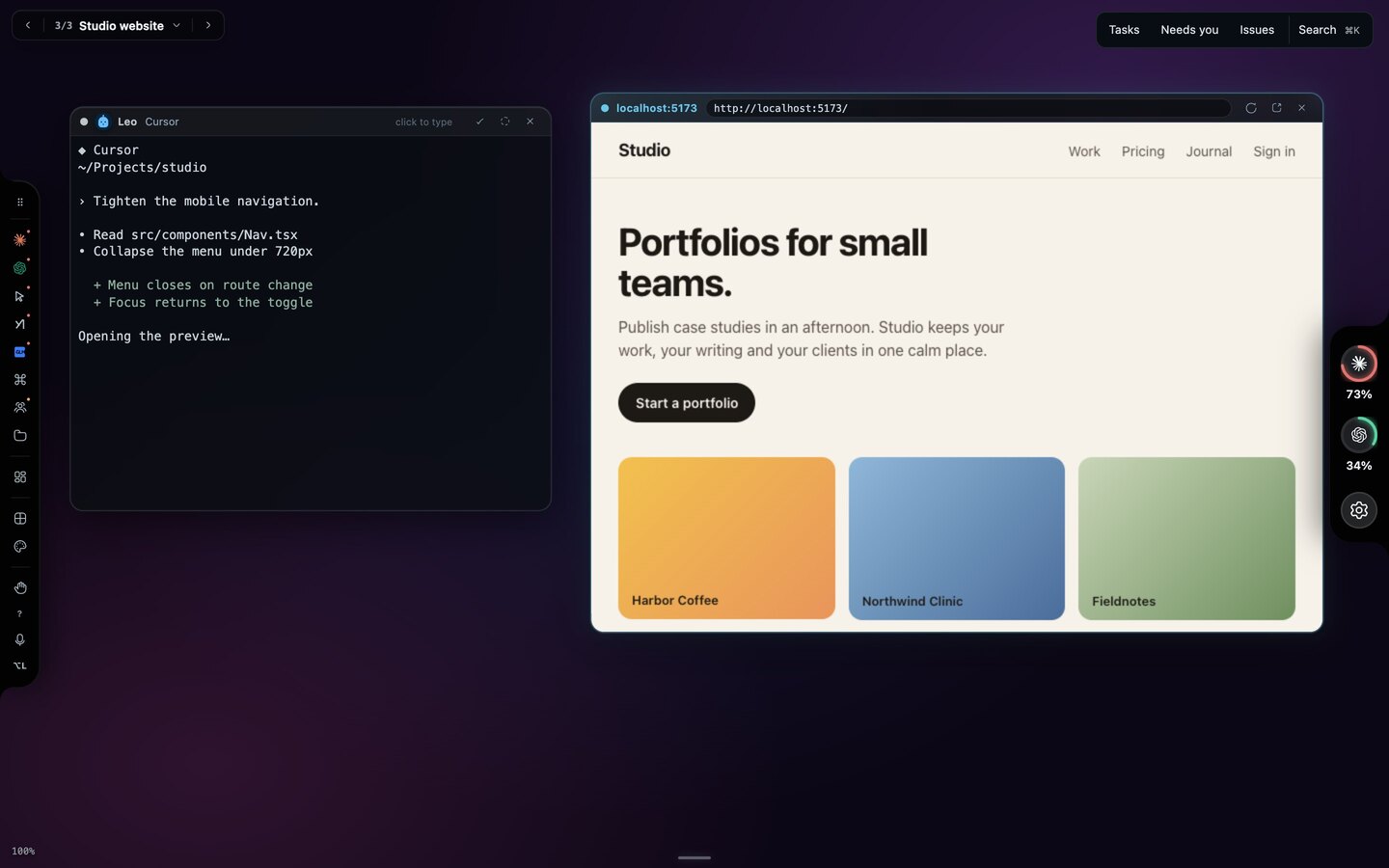
recapsDaybreak · six crewhold Space
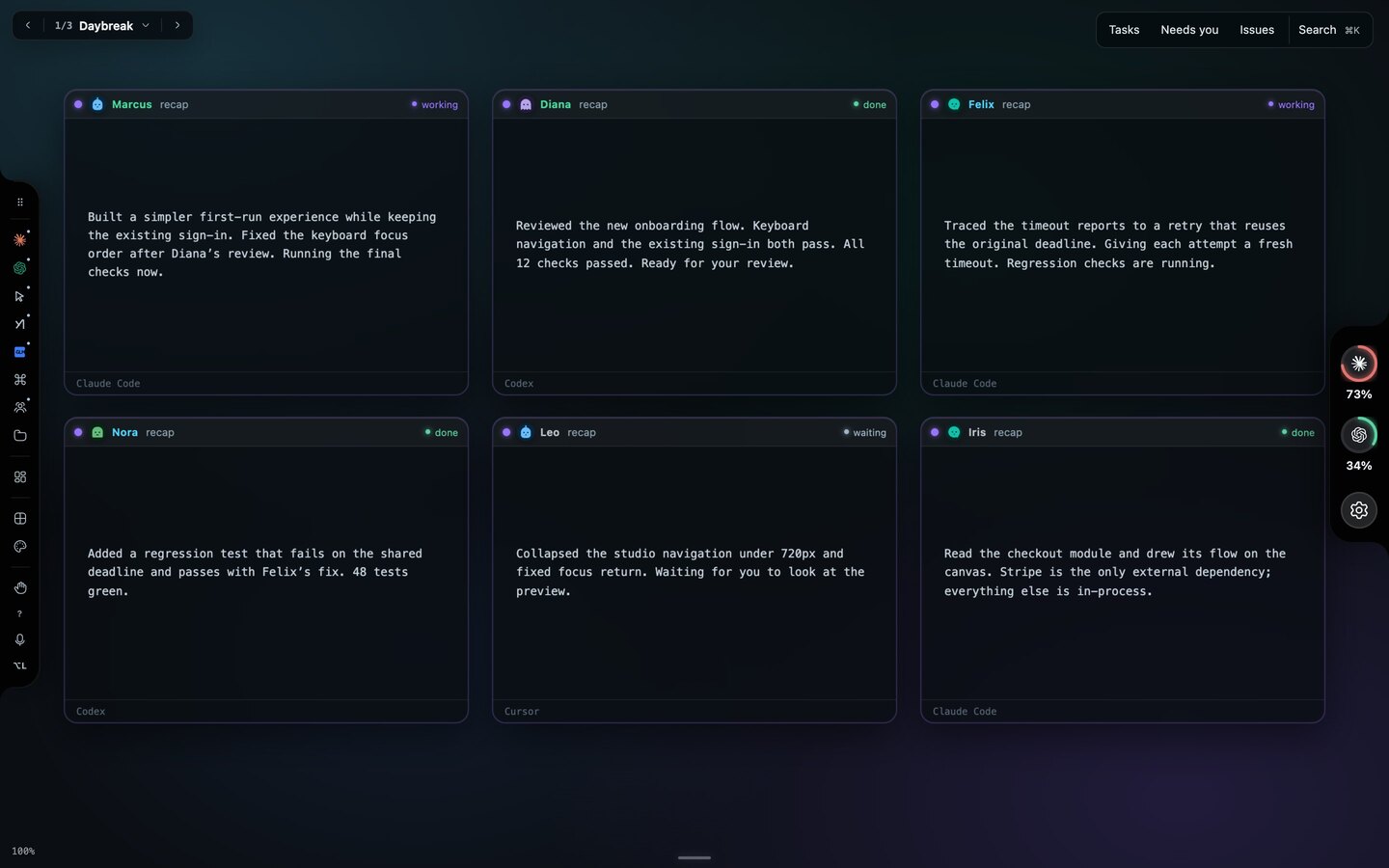
Flight boardAPI gateway1 needs you
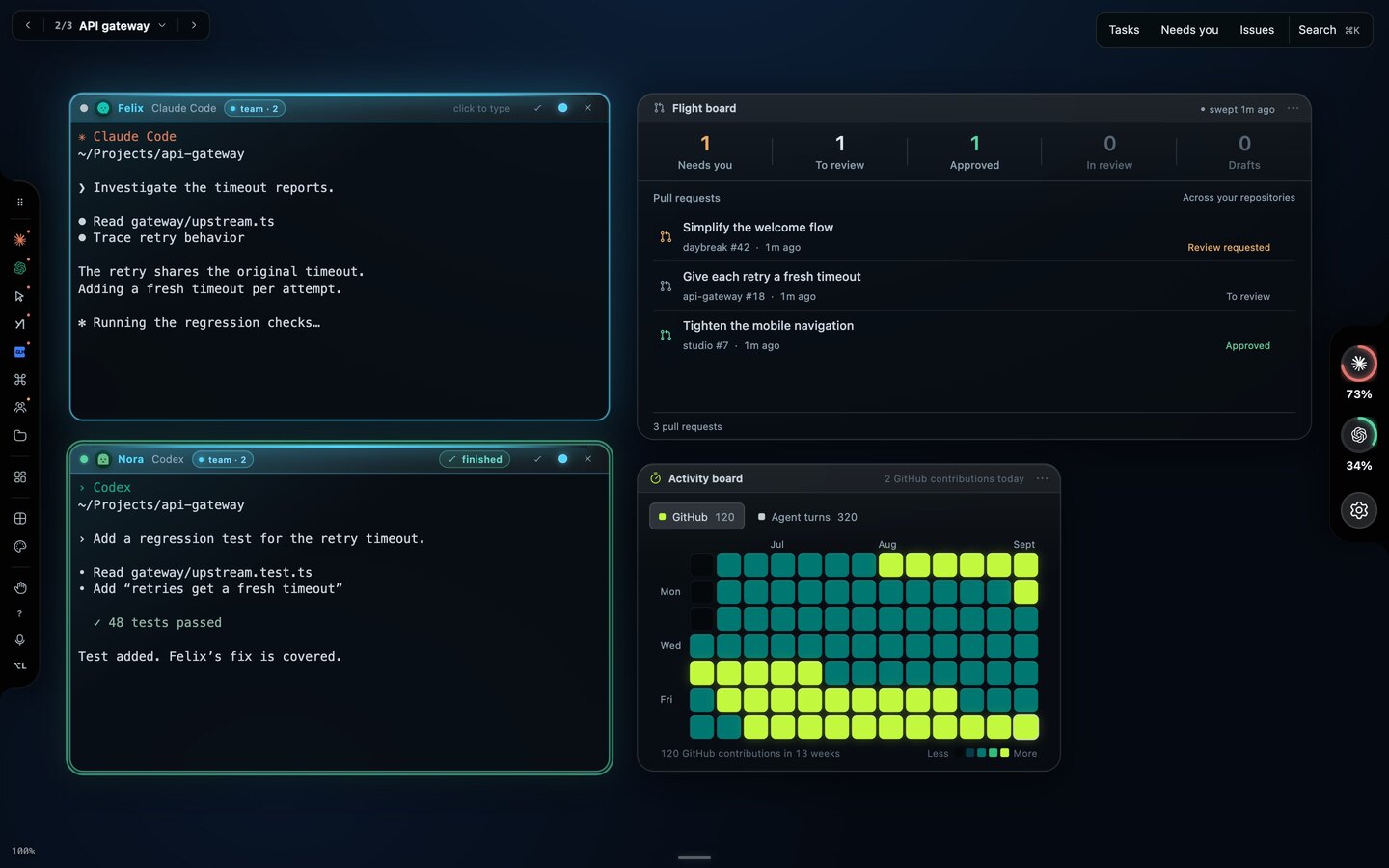
workspacesWork · Starkomand · ForcePush · Workspace 4
Usage limitsClaude · Codexlive
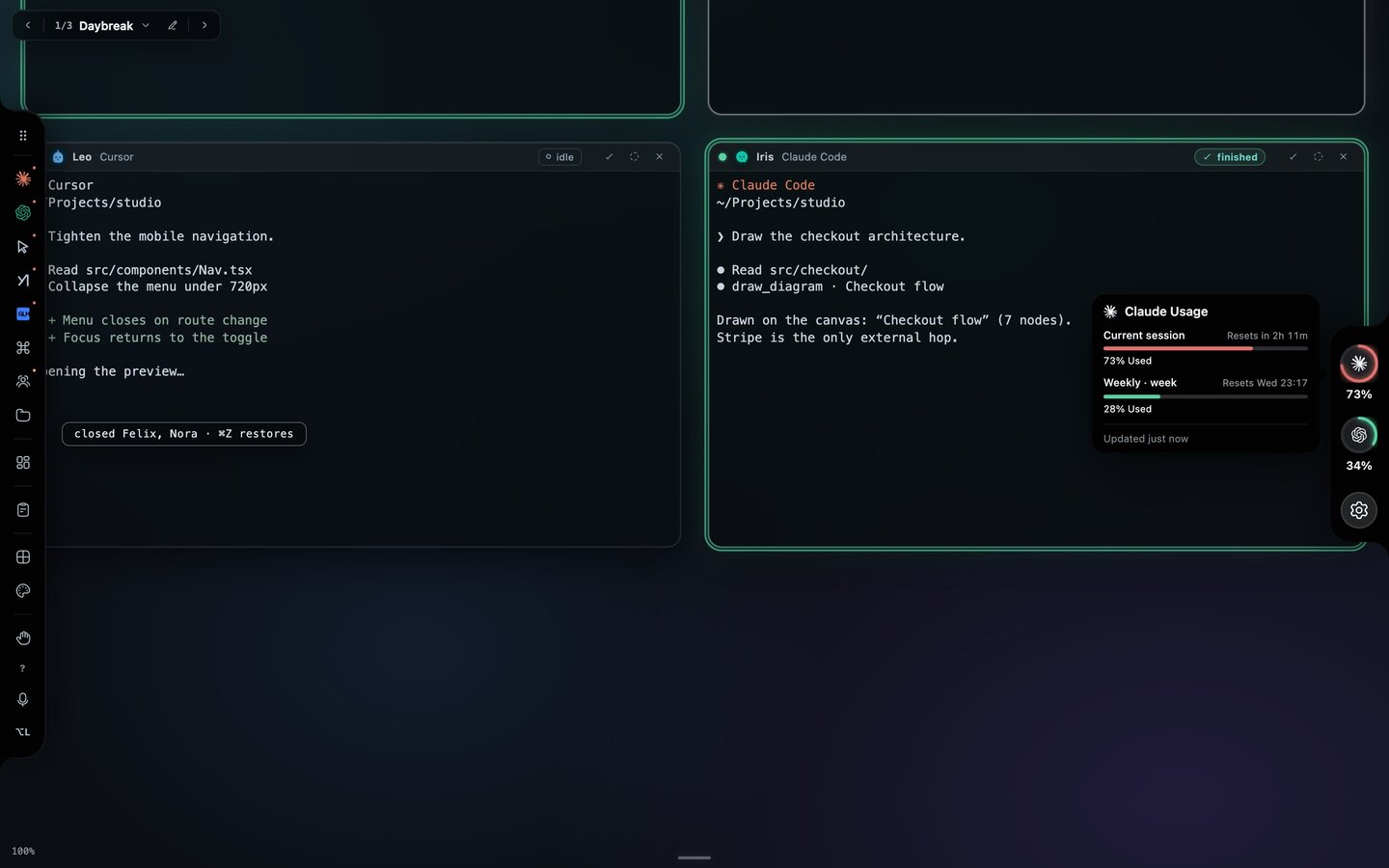
BackdropsYour own image · any JPEG, PNG, WebP or GIF
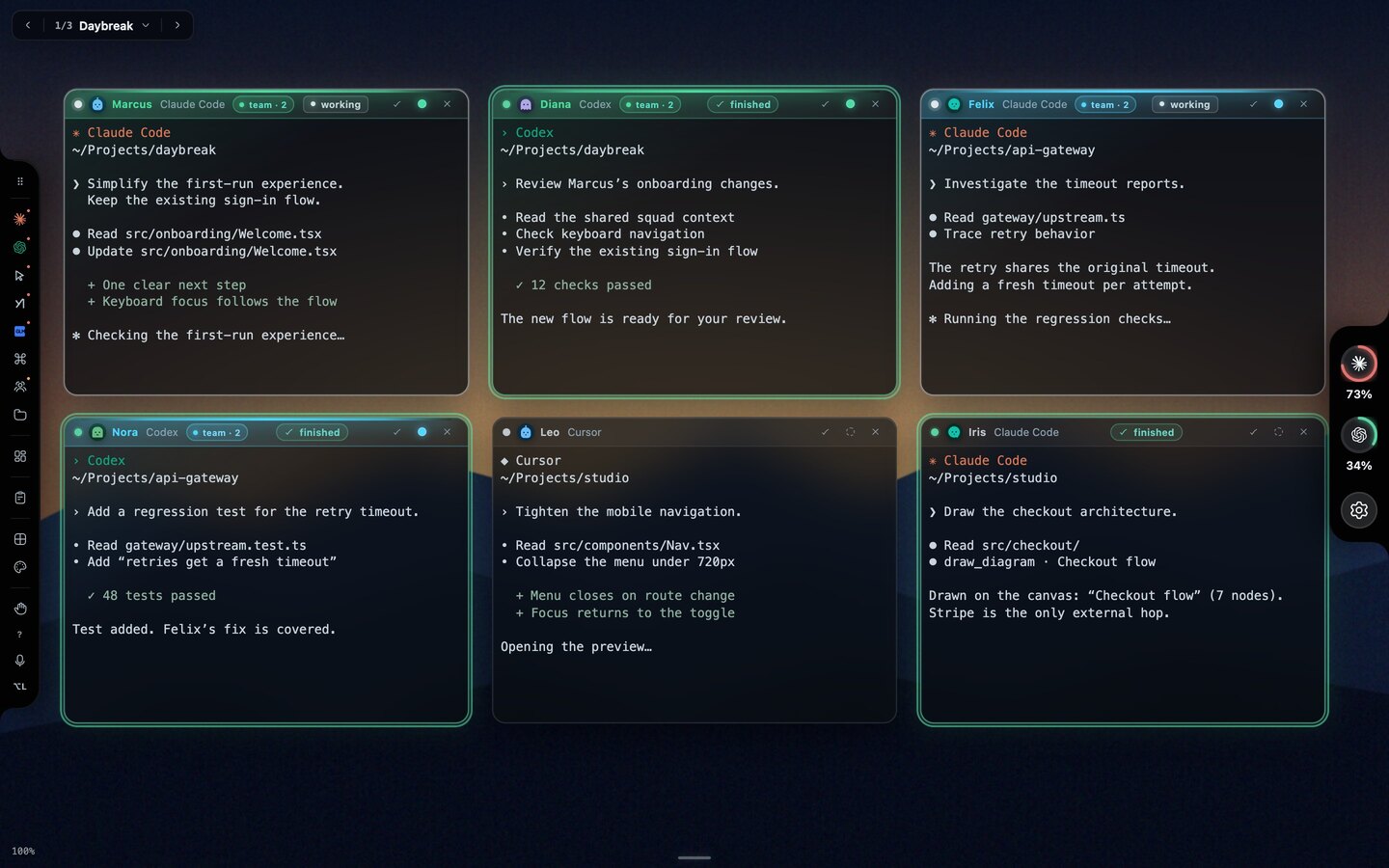
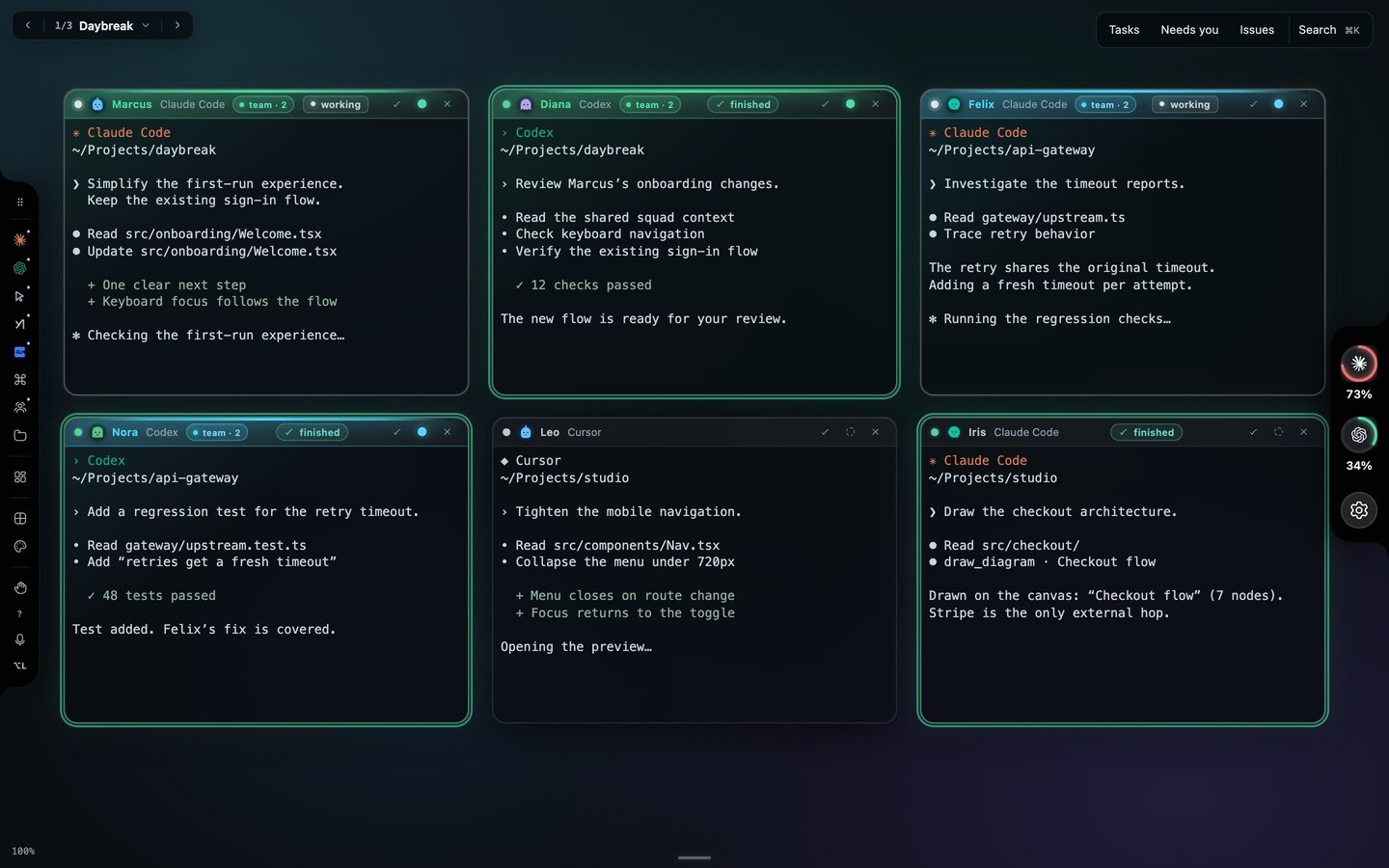
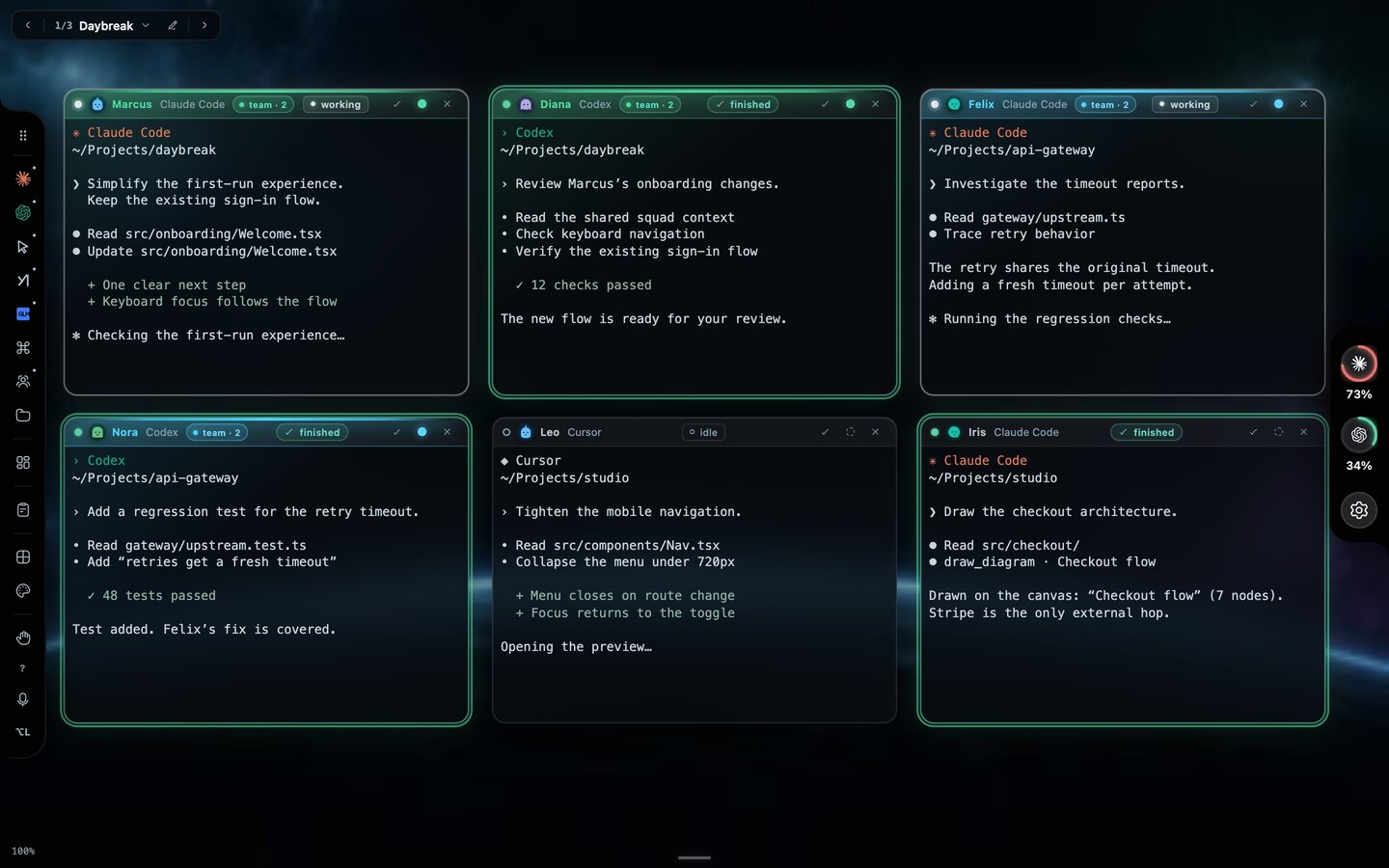
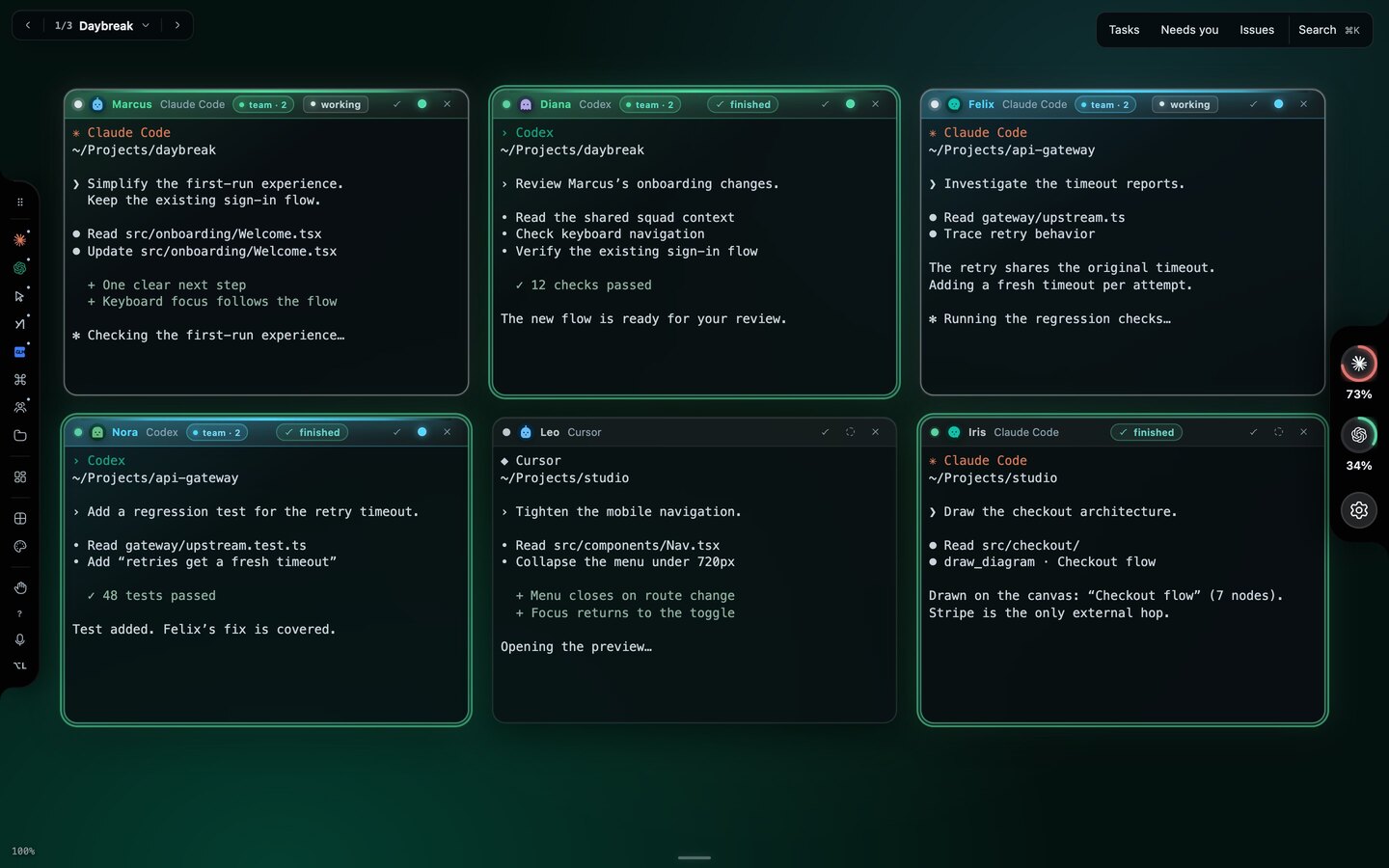
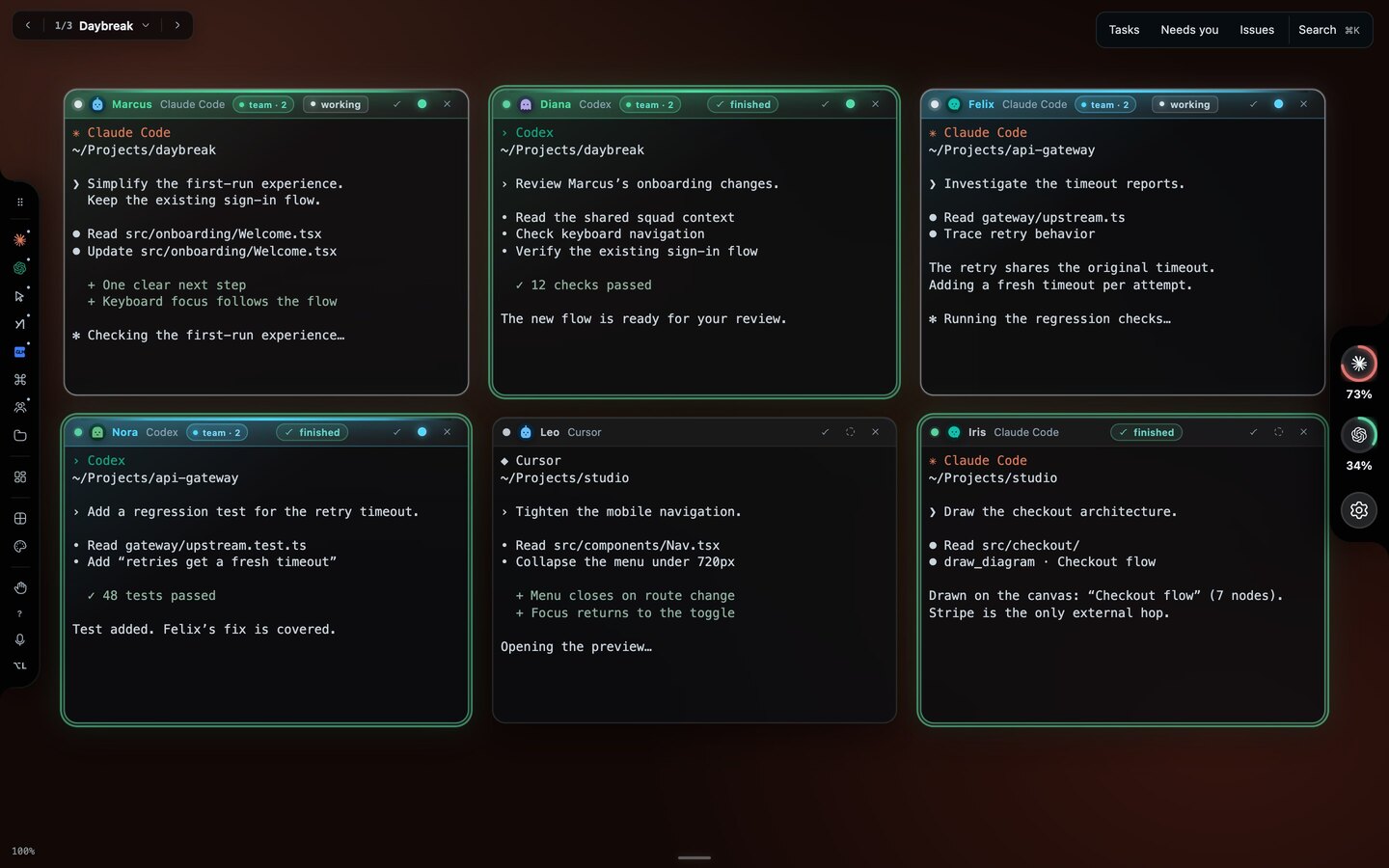
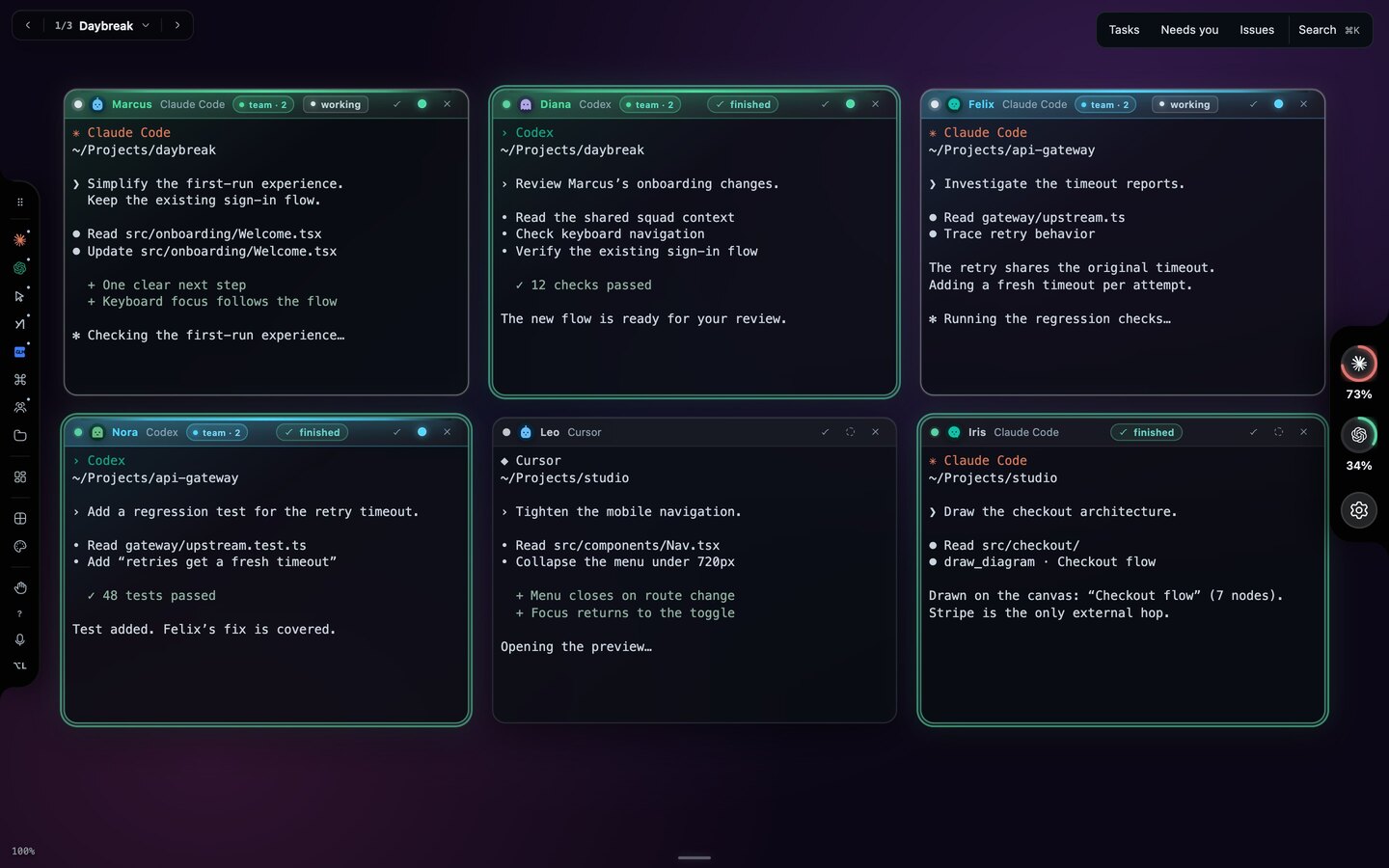
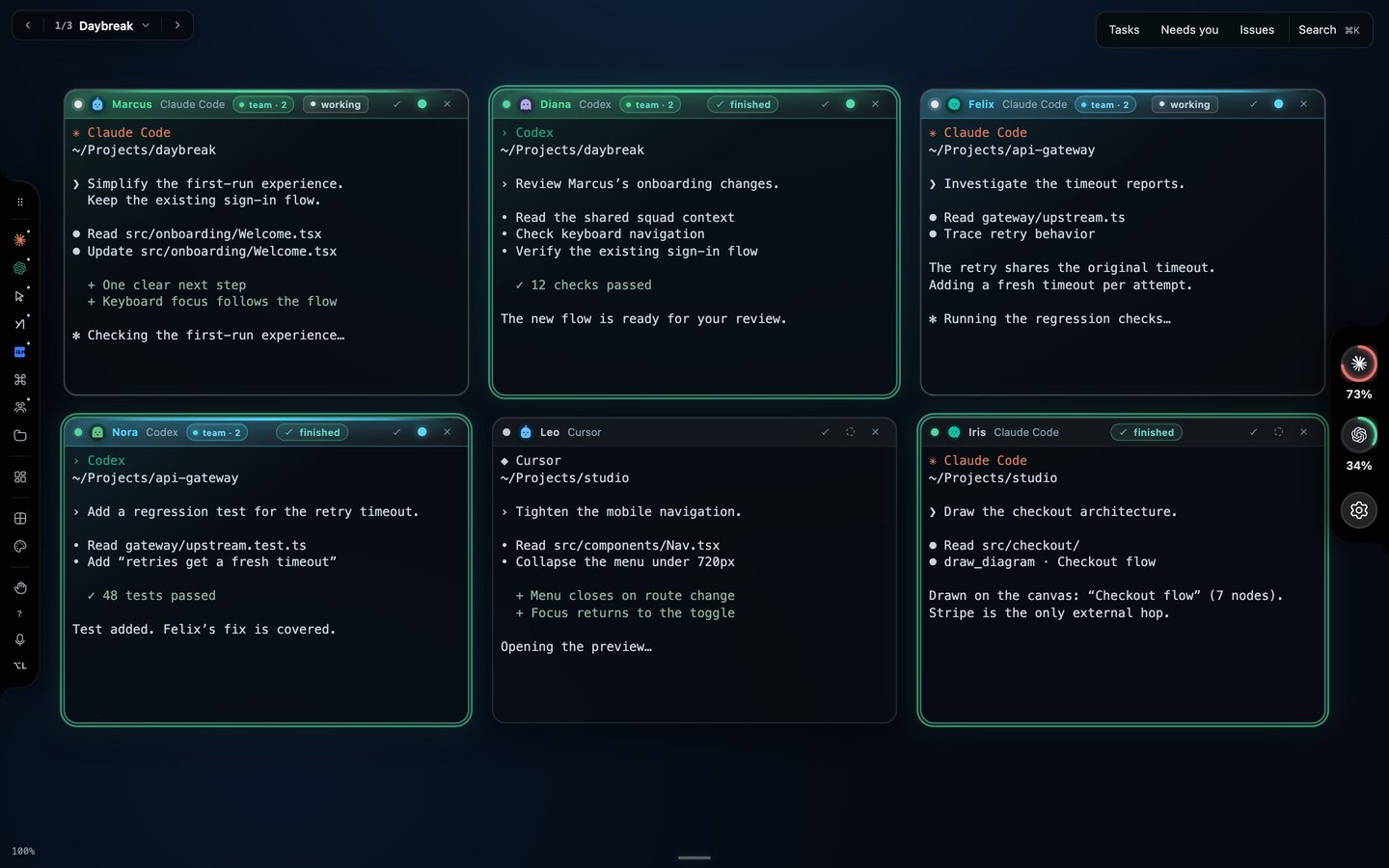
Say it.
Hold ⌥ and speak. Dictation runs on your Mac. Crew names are ordinary first names, so they are heard exactly.
- “Open two Codex agents.”Two windows, ready to work.
- “Marcus, fix the sign-in.”Straight to Marcus.
- “Group Felix and Nora.”One squad, shared context.
- “Tidy up.”Windows arrange themselves.
- “Switch to the studio website.”Another workspace, its own crew.
- “Iris, draw the checkout flow.”A diagram lands on the canvas.
Stays on your Mac.
No Starkomand account or built-in app telemetry. Your canvas, local dictation and hand tracking run on this machine. Agents and connected features use their providers with your own sign-ins. Optional cloud dictation sends audio to OpenAI.
127.0.0.1:3778local serverloopback
$ netstat -an -p tcp | grep 3778
tcp4  0  0  127.0.0.1.3778  *.*  LISTEN

$ curl -s http://127.0.0.1:3778/mcp
{"ok":false,"error":"agent authorization required"}

$ curl -si -H 'Connection: Upgrade' \
    -H 'Upgrade: websocket' http://127.0.0.1:3778/
HTTP/1.1 403 Forbidden

$
Try everything free for 7 days.
Every feature included. Pay once to continue after your trial.
Starkomand Pro
One-time purchase. One license per Mac.
First come, first served.
- First 10 users$49
- Next 30 users$79
- Next 40 users$97
- Unlimited agents, workspaces and Command Keys
- Every provider. Voice, gestures and squads.
- Diagrams, recaps, previews and GitHub tools
- All backdrops, including your own images
- A year of updates. Keep the version you have.
macOS · Apple silicon. Agent subscriptions and usage billed separately by providers. No refunds, except where required by law.
Questions
Will it use a lot of memory or battery?
Not in everyday use. Starkomand is built to stay quiet in the background, and hiding the canvas reduces rendering while your agents keep working. Resource use generally becomes noticeable only when you run many agents and browser previews while also using animated backdrops and local dictation.
Which agents can I use?
Claude, Codex, Cursor, Grok, GLM and any other CLI agent you configure, all with your existing sign-ins. Every provider is available during the 7-day trial and with Pro. Agent subscriptions and usage stay with the providers.
Is voice required?
No. Type, drag and use keyboard shortcuts as usual. Voice control and hand gestures are optional and included during the trial and with Pro.
What stays on my Mac?
Your workspace, local dictation and hand tracking. Agents, recaps and connected services use their providers; optional cloud dictation sends audio to OpenAI. See the Privacy Policy for details.
Do agents keep running when I leave?
Yes, while the local server runs. Hiding the canvas keeps agents working; undo a closed window with ⌘Z during its grace period. Restarting your Mac ends live sessions, but keeps the canvas, notes and task history.
Can I separate my projects?
Yes. Each workspace has its own agents, folder, layout and backdrop. The trial and Pro both include unlimited workspaces and agents. Switch between workspaces with the arrow keys.
I lost my license key.
Open Find your license key and enter the email you used at checkout. Dodo Payments, our payment provider, emails you a link to your purchases, where the key is listed. Your receipt email carries it too.
What happens after the 7-day trial?
The trial includes every feature. After 7 days, a Pro purchase is required to continue using Starkomand. Each license covers one Mac with a one-time payment and a year of updates. You can keep using the version you have after that year.